Resetting is needed if you:
- want to connect your Smart Plug to another hub.
- need to perform a factory reset to remove abnormal behavior.
- need to reset accumulative registers and logs.
Steps for resetting
- Connect the Smart Plug Mini 2 to the power outlet.
- Press and hold down the button on the device.
- Hold the button down until the yellow LED flashes continuously, then release the button.
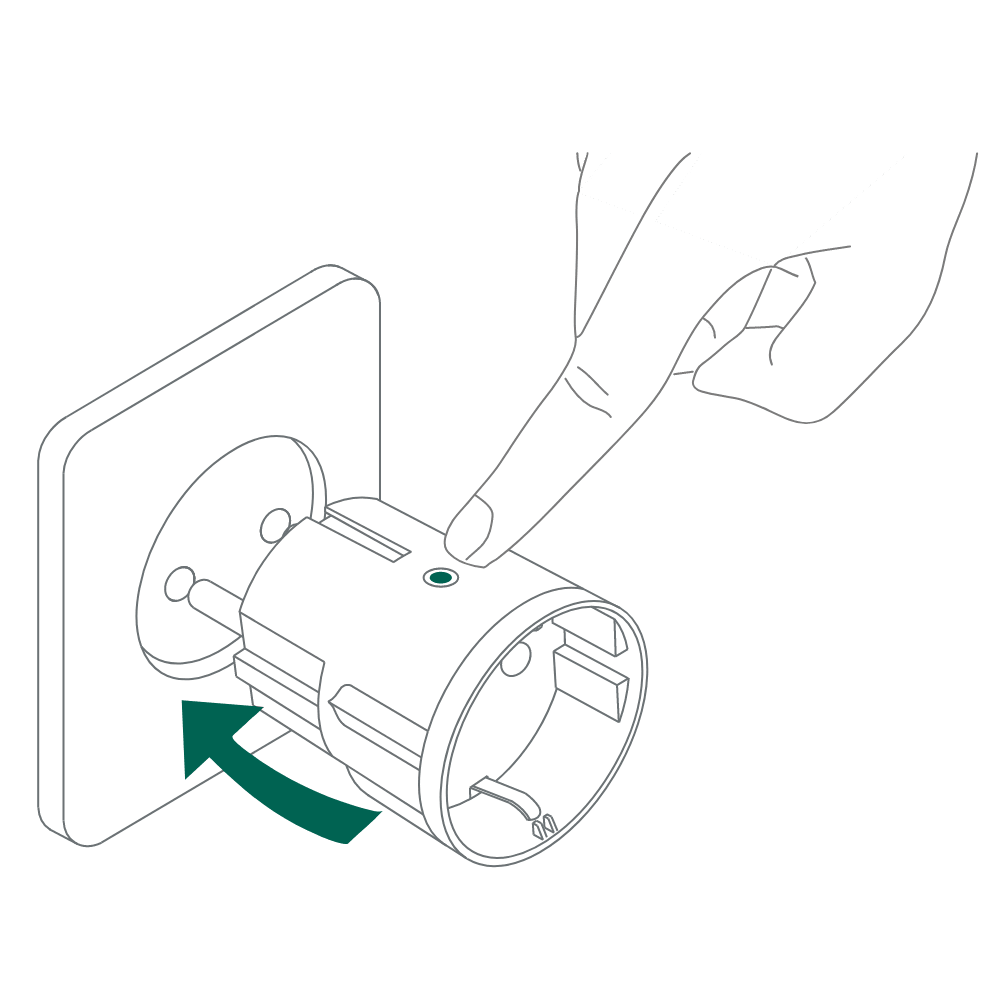
- After releasing the button, the yellow LED will stay on for 2-5 seconds. During that time, the device must not be switched off or unplugged
- A power-cycle of the device is needed before you re-pair it to the hub.
Was this article helpful?
That’s Great!
Thank you for your feedback
Sorry! We couldn't be helpful
Thank you for your feedback
Feedback sent
We appreciate your effort and will try to fix the article