Resetting is needed if you:
- want to connect your Motion Sensor to another hub
- need to perform a factory reset to eliminate abnormal behavior.
Steps for resetting
- Detach the sensor from the bracket and/or open the casing.
- Check that the batteries are inserted correctly.
- Press and hold the round menu button inside the device.
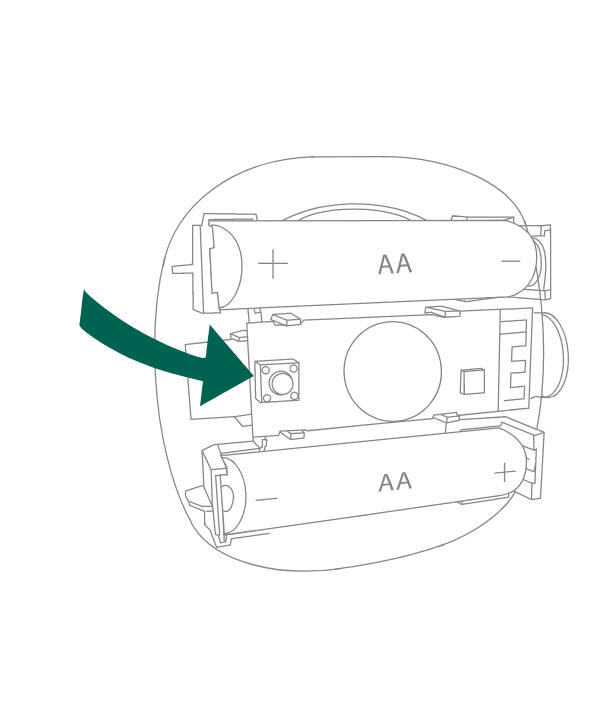
- While you are holding the button down, the LED first flashes once, then two times in a row, and finally numerous times in a row.
- Release the button while the LED is flashing numerous times in a row.
- After you release the button, the LED shows one long flash, and the reset is completed.
- A power-cycle of the sensor is needed before you re-pair it to the hub.
Was this article helpful?
That’s Great!
Thank you for your feedback
Sorry! We couldn't be helpful
Thank you for your feedback
Feedback sent
We appreciate your effort and will try to fix the article