Searching Gateway mode
When the Smart Plug Mini 2 is searching for a gateway (hub), a yellow LED is flashing every second.
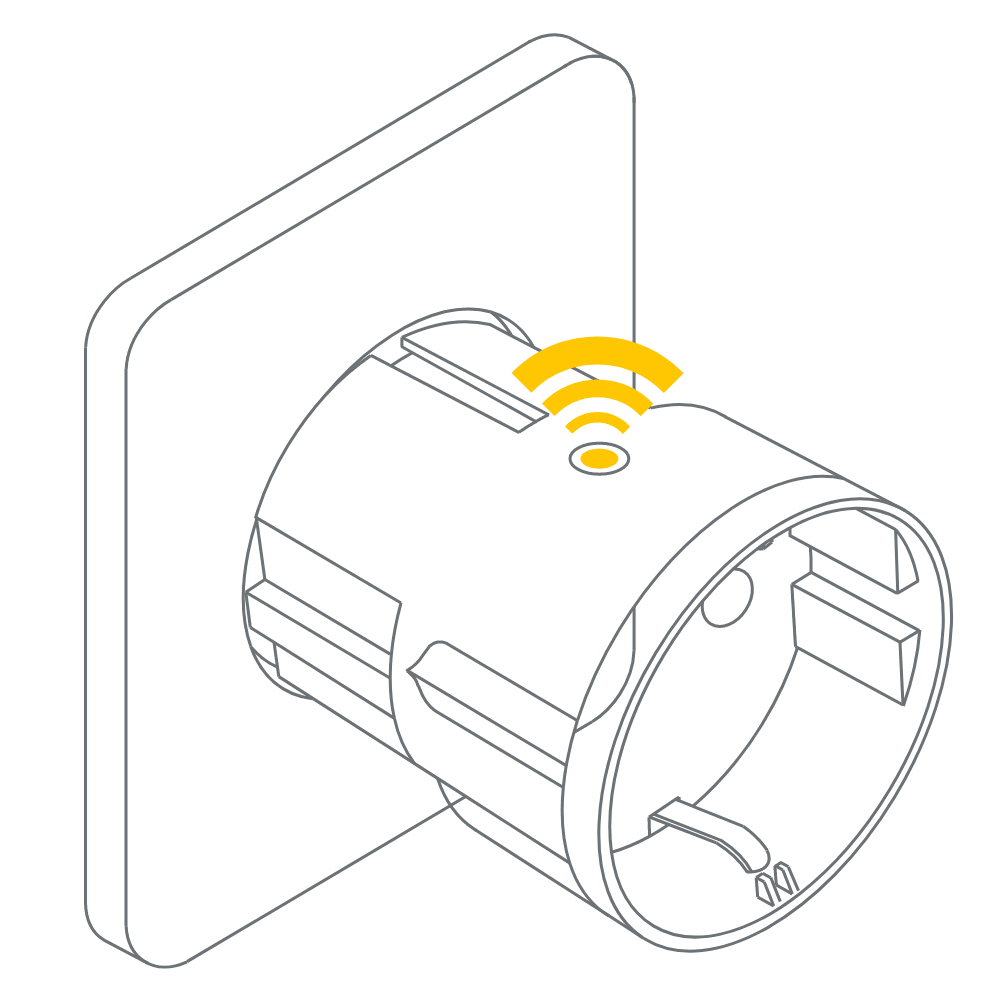
Normal mode
Green LED means that the Smart Plug output is active (relay is on). The relay can be switched on and off by pushing the LED button.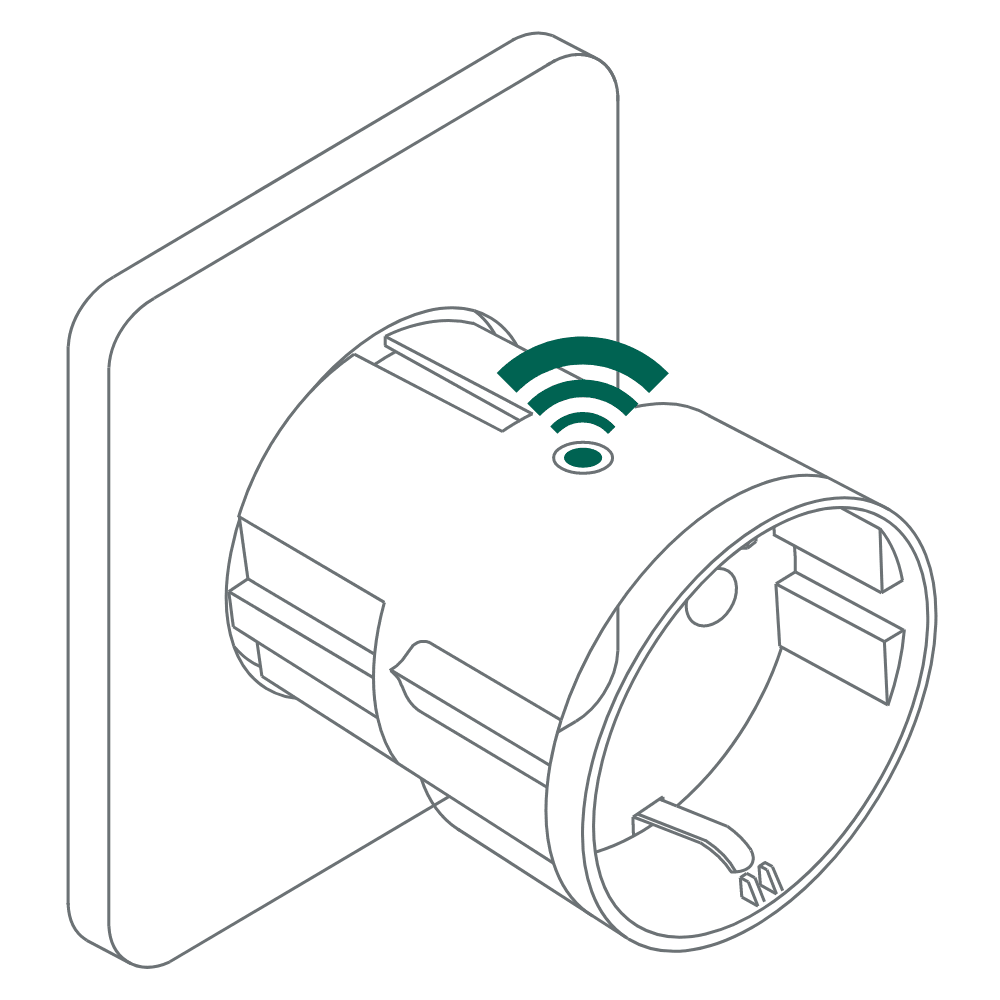
Off mode
When there is no light in the LED button, it means that the relay is off (there is no output). The relay can be switched on and off by pushing the LED button.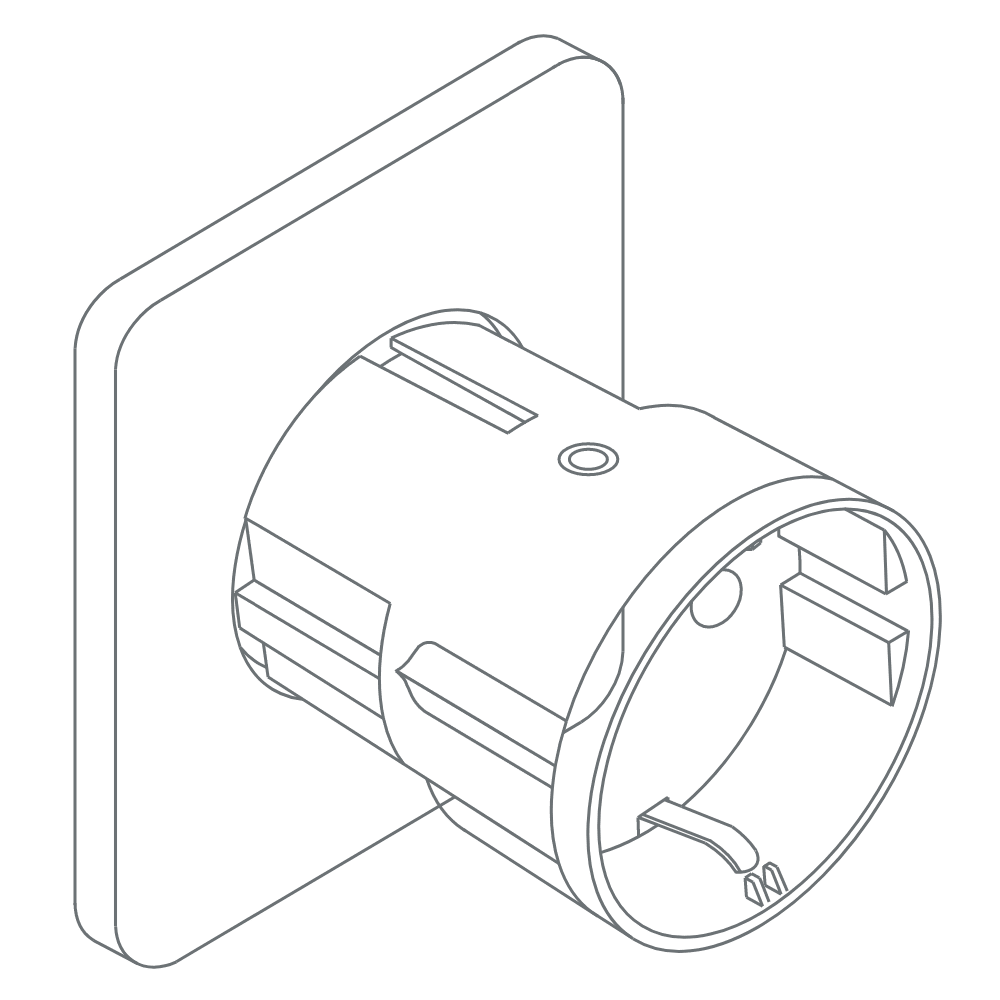
Load information
The Smart Plug Mini 2 is rated for 10 A continuous load, and 16 A (~3500 W) short time load. It will automatically switch off if the load exceeds 16 A or the internal temperature gets too high.
Was this article helpful?
That’s Great!
Thank you for your feedback
Sorry! We couldn't be helpful
Thank you for your feedback
Feedback sent
We appreciate your effort and will try to fix the article