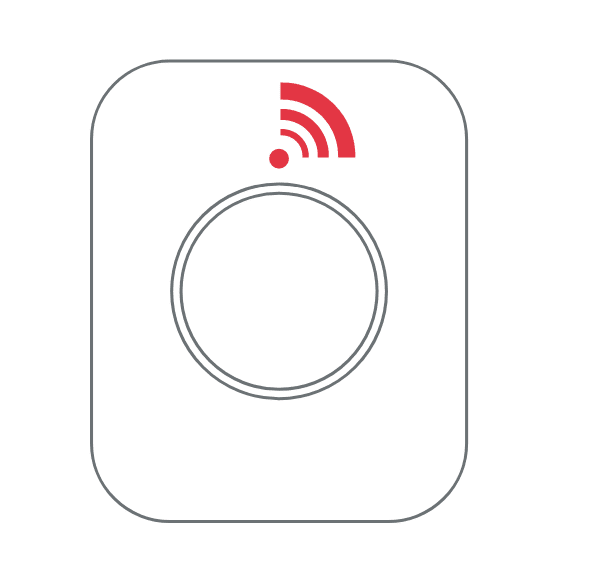
If the SOS Button is configured as an alarm button, press the button once to activate the alarm. The red LED will start flashing, indicating that the alarm has been triggered.
To cancel the alarm, press and hold the button for 3 seconds. When the alarm is deactivated, the red LED will stop flashing.
Was this article helpful?
That’s Great!
Thank you for your feedback
Sorry! We couldn't be helpful
Thank you for your feedback
Feedback sent
We appreciate your effort and will try to fix the article